


What Should You Know About Ford Driver-Assist Features?
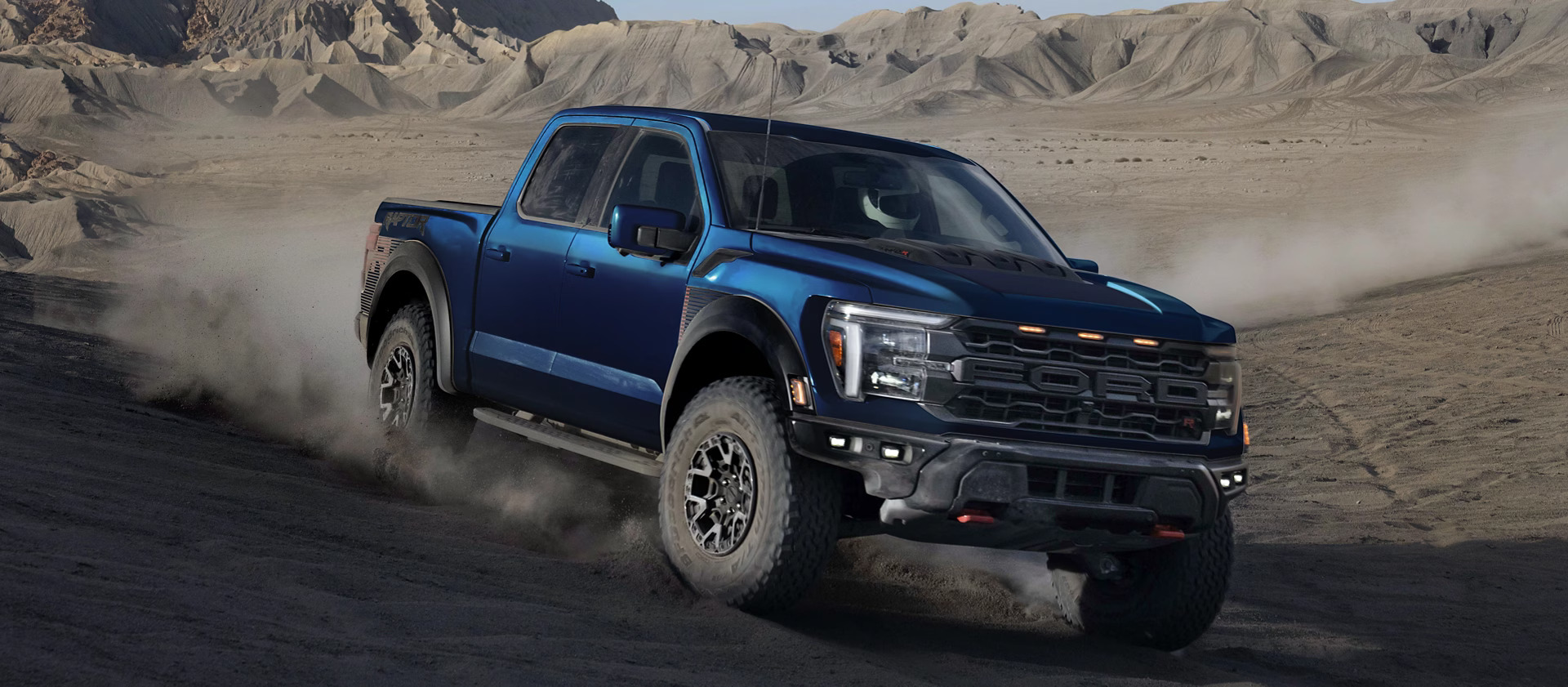
Getting behind the wheel of a new Ford has never been more exciting or more reassuring.
Modern Ford vehicles offer advanced AI-powered safety features that act like a smart driving partner,helping Knoxville-area drivers stay alert, centered, and confident on every trip.
Whether you are navigating traffic on Kingston Pike, heading down I-40 or I-75, or driving out toward the Smoky Mountains, Ford Co-Pilot360 technologies work quietly in the background to support your driving and
help you handle unexpected moments on the road.
By understanding how to use features such as Lane-Keeping Assist, Pre-Collision Assist with Automatic Emergency Braking, and Driver Monitoring, you can get the most out of your Ford from the moment you leave Gary Yeomans Ford Knoxville.
How Ford’s Intelligent Safety Technology Works
Ford’s safety systems combine cameras, radar sensors, and sophisticated software to monitor your surroundings, detect possible hazards, and assist you when needed. These technologies do not replace the driver, but they
provide an extra layer of support when road conditions or traffic become challenging.
This technology is especially helpful for:
- Daily commuters dealing with changing traffic speeds and patterns
- Families driving through busy school zones around Knoxville
- Weekend travelers heading into the mountains or across East Tennessee
- Any driver who wants a more relaxed, confident driving experience
Using Ford’s Lane-Keeping System
Ford’s Lane-Keeping System includes Lane-Keeping Alert and Lane-Keeping Assist. Together, they help you stay centered in your lane, which is especially valuable when driving on I-40, I-75.
How Lane-Keeping Works
A forward-facing camera monitors the lane markings on the road. If your vehicle begins to drift without signaling, the system can warn you with visual or steering-wheel alerts. In some situations, it can apply
gentle steering assistance to help guide you back toward the center of your lane.
How to Activate Lane-Keeping Assist
- Start your vehicle and press the Lane-Keeping button.
- Confirm that the Lane-Keeping icon is illuminated on your dashboard display.
- Drive at speeds above 40 mph for the system to activate.
You can also customize settings such as steering assistance level and alert intensity through your vehicle’s infotainment system.
Understanding Pre-Collision Assist and Automatic Emergency Braking
Pre-Collision Assist with Automatic Emergency Braking (AEB) is one of Ford’s most powerful safety features. It uses radar and camera technology to scan the road ahead for vehicles, pedestrians, and other obstacles.
What Pre-Collision Assist Does
- Forward Collision Warning: Provides visual and audible alerts if a potential collision is detected.
- Brake Support: Increases braking power if you begin to brake late or not firmly enough.
- Automatic Emergency Braking: Can automatically apply the brakes if you do not respond in time.
Most new Ford vehicles have Pre-Collision Assist turned on by default. To review or adjust the settings, use:
Settings → Driver Assistance → Pre-Collision Assist
Driver Monitoring and Attention Alerts
Long commutes or late-night drives can impact even the most careful drivers. Ford’s Driver Alert System monitors your steering behavior and lane position over time. If the system detects signs of drowsy or inattentive driving, it may display a coffee-cup icon and sound an alert.
When this alert appears, it is a good idea to take a short break, stretch, or grab a drink before continuing your trip.
Matching Ford Safety Features to Your Knoxville Lifestyle
Different driving habits and routes around Knoxville may make certain features more valuable to you:
- Daily interstate commuters: Lane-Keeping Assist and Pre-Collision Assist are especially useful on I-40 and I-75.
- Drivers on curvy or hilly roads: Lane-Keeping support can add confidence on winding Tennessee routes.
- Families and school drivers: Pre-Collision Assist and Automatic Emergency Braking help in stop-and-go traffic and school zones.
- Road-trip and weekend travelers: Driver Monitoring provides added peace of mind on long-distance drives.
How Gary Yeomans Ford Knoxville Supports Your Safety Features
The best way to understand your Ford’s AI-powered safety technology is to see it in action. At
Gary Yeomans Ford Knoxville, our team is here to guide you through every feature and setting.
- Tech walkthroughs: Learn how each safety system works during your test drive.
- Service and maintenance: Our service team helps keep your cameras and sensors clean and properly calibrated.
- Model recommendations: We can show you which Ford models offer the latest Co-Pilot360 features and assist systems.
Looking for current offers on new Ford vehicles? Visit our
New Vehicle Specials .
Need maintenance, sensor calibration, or routine service? Schedule an appointment with our Service Center .
Experience Ford AI Safety in Knoxville
Ford’s AI-powered safety features help drivers in Knoxville, Maryville, Oak Ridge, and across East Tennessee feel more confident and secure behind the wheel. By learning how these systems work and how to adjust them to your preferences, you can enjoy a safer, smarter drive every day.
Visit Gary Yeomans Ford Knoxville to explore these safety technologies in person and take a test drive in a new Ford equipped with advanced driver assistance features.
0 comment(s) so far on What Should You Know About Ford Driver-Assist Features?